An anime daydream
01A familiar face, a different universe.
 AI MorphGet the app
Your photo. A new side of you.

The alter ego collection
For the profile-picture refresh.
The cartoon daydream.
The just-because transformation.
A familiar face, a different universe.
Meet your pocket-sized alter ego.
Give your everyday portrait a new chapter.
One personality. A whole cast of characters.
App previews from Google Play. Styles and results may vary.
Beyond the still
A smile, a transformation, a moment you did not see coming. Explore AI video effects that take your photos somewhere new.
Find your next effect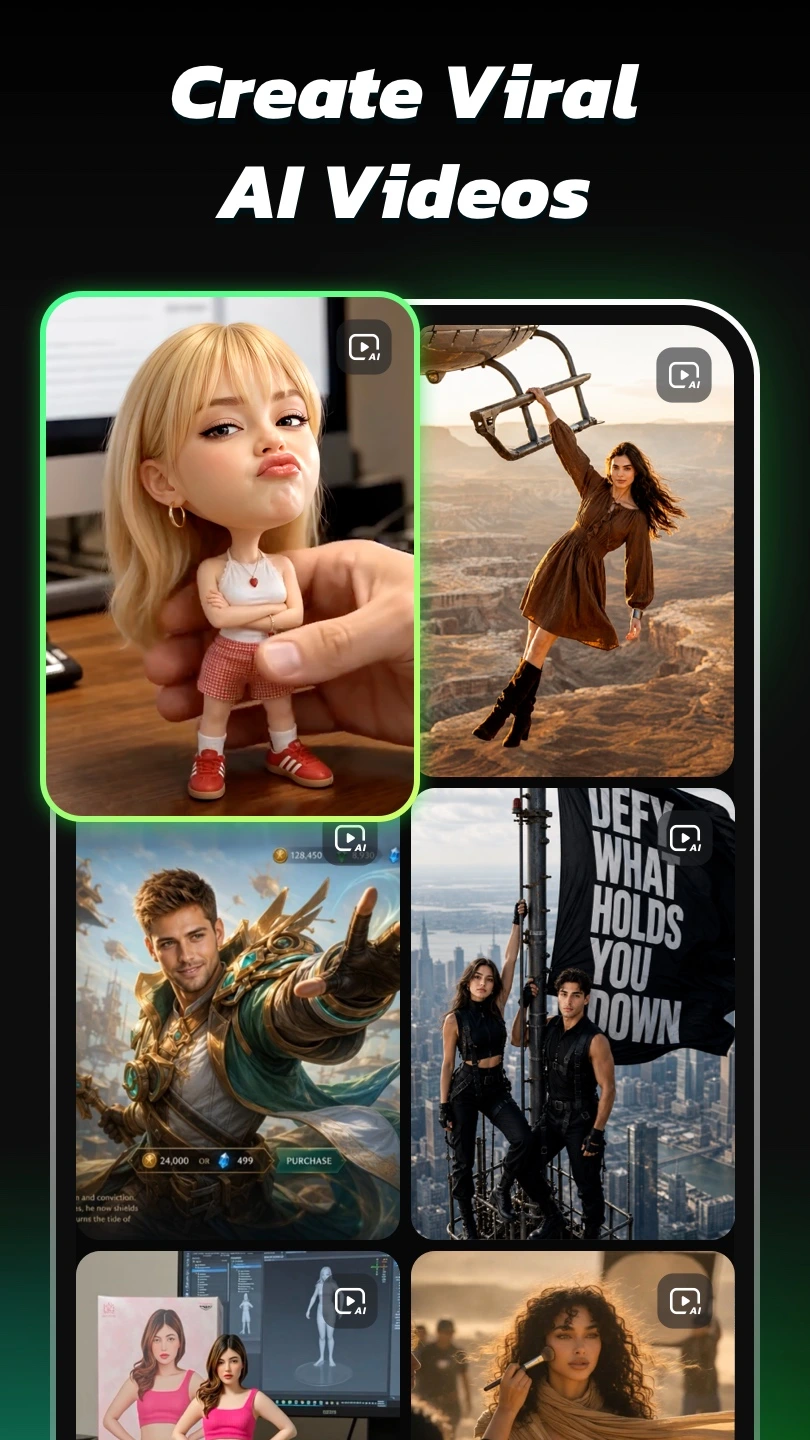
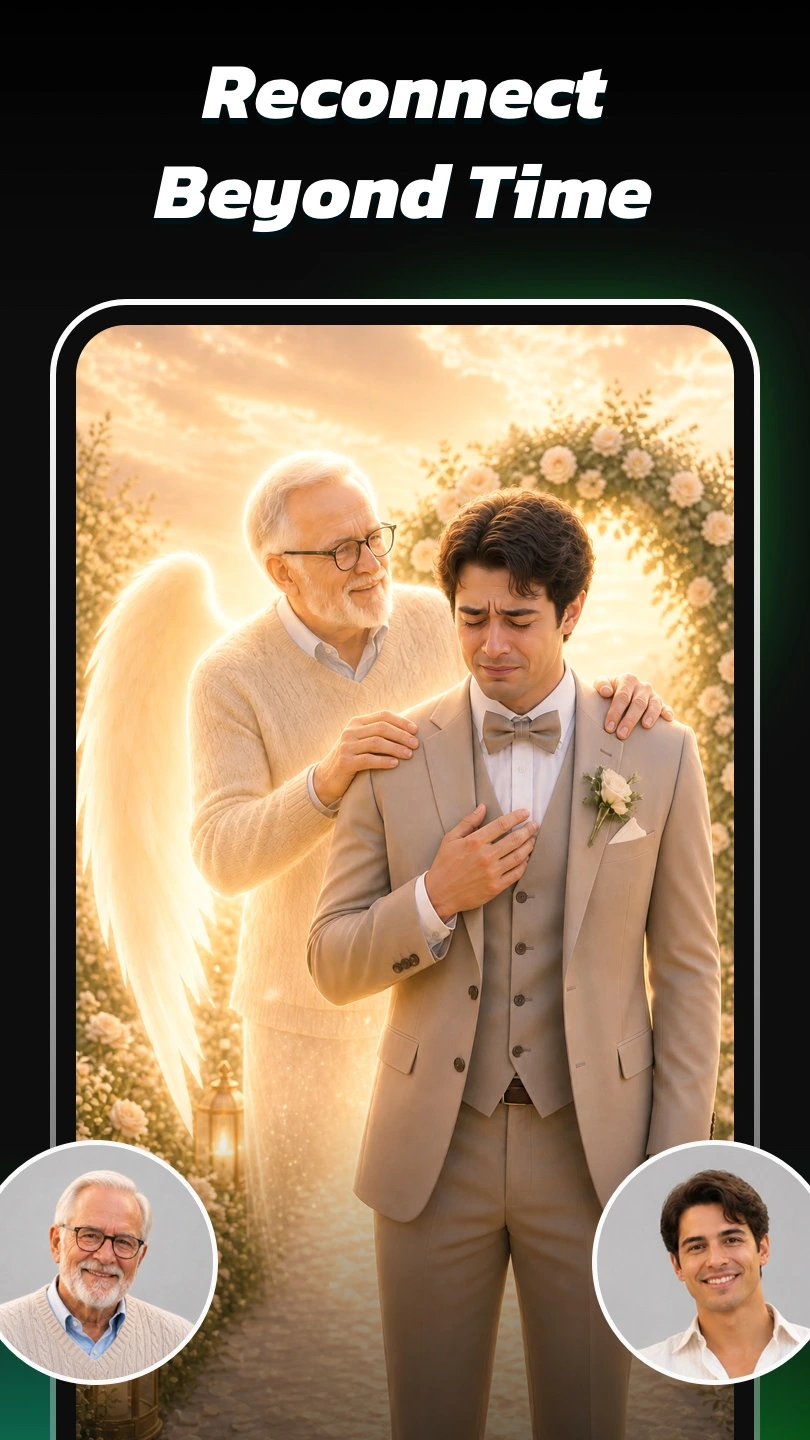
A camera roll is a good place to start
A well-lit selfie. A favorite portrait. Choose a photo you have permission to use.
Go illustrated, playful or polished. Explore the app's collection and pick a direction.
Review the result. Keep a favorite, try a different look or make something worth sharing.
Clear faces. Natural light. A little imagination.
Explore anime portraits, cartoon characters, realistic headshots and AI video effects from your photos. Available styles and tools can change with app updates.
Try a clear, well-lit photo with a visible face. Choose a photo you own or have permission to use. AI results vary with the source image and the selected effect.
Yes. AI Morph includes photo-based AI video effects. Open the app to see the available effects, their requirements and any credit or purchase options.
The Google Play listing includes ads and in-app purchases. Check the app and your store checkout for current access, local pricing and renewal terms before buying.
Creation takes place in the AI Morph app. This page introduces its styles and links to Google Play; it does not upload or process your photos.
No. The opening artwork is an AI-generated creative illustration, not an app output. The style collection and app previews come from the official Google Play listing. Your own results will vary.
Use the Google account that made the purchase and open Google Play's Payments & subscriptions settings. Refund requests are subject to Google Play's policies. Uninstalling an app does not cancel an active subscription.
Contact the app's published support address, snapai.feedback@gmail.com. For privacy or deletion questions, review the developer's privacy policy below and contact support. Never send passwords or payment-card details.
Your everyday photo, reimagined
Discover AI Morph on Google Play.
Contains ads and in-app purchases.